Apps

eBooks
Calibre
Browse eBooks and send them to your Kindle, phone, tablet, etc.


Movies
Series
Jellyfin
Watch movies & TV shows


Movies
Series
Jellyseerr
Request movies & TV shows
Advanced
(Quick links for us. You won't need this)




Instructions
Calibre
eBooks
Use Calibre to browse & download available ebooks, edit metadata, and upload new books to share.
Suggested Links
#NEW! TagBooks uploaded in the last 3ish months. Easiest way to find books you requested.
Categoriestags
Send to Kindle (or other eReader)
These steps are written for Kindle but will work with any eReader that can accept files through email. The locations of the "Send to..." and "Send from..." email addresses may be different for your device.
1st time setup
- Get your Send-to-Kindle email address in your Amazon Device Preferences.
In the Send-to-Kindle E-Mail Settings, find your Kindle & make note of it's email address - On the same Amazon Device Preferences page, in the Approved Personal Document E-Mail List add kindle@thebake.rs
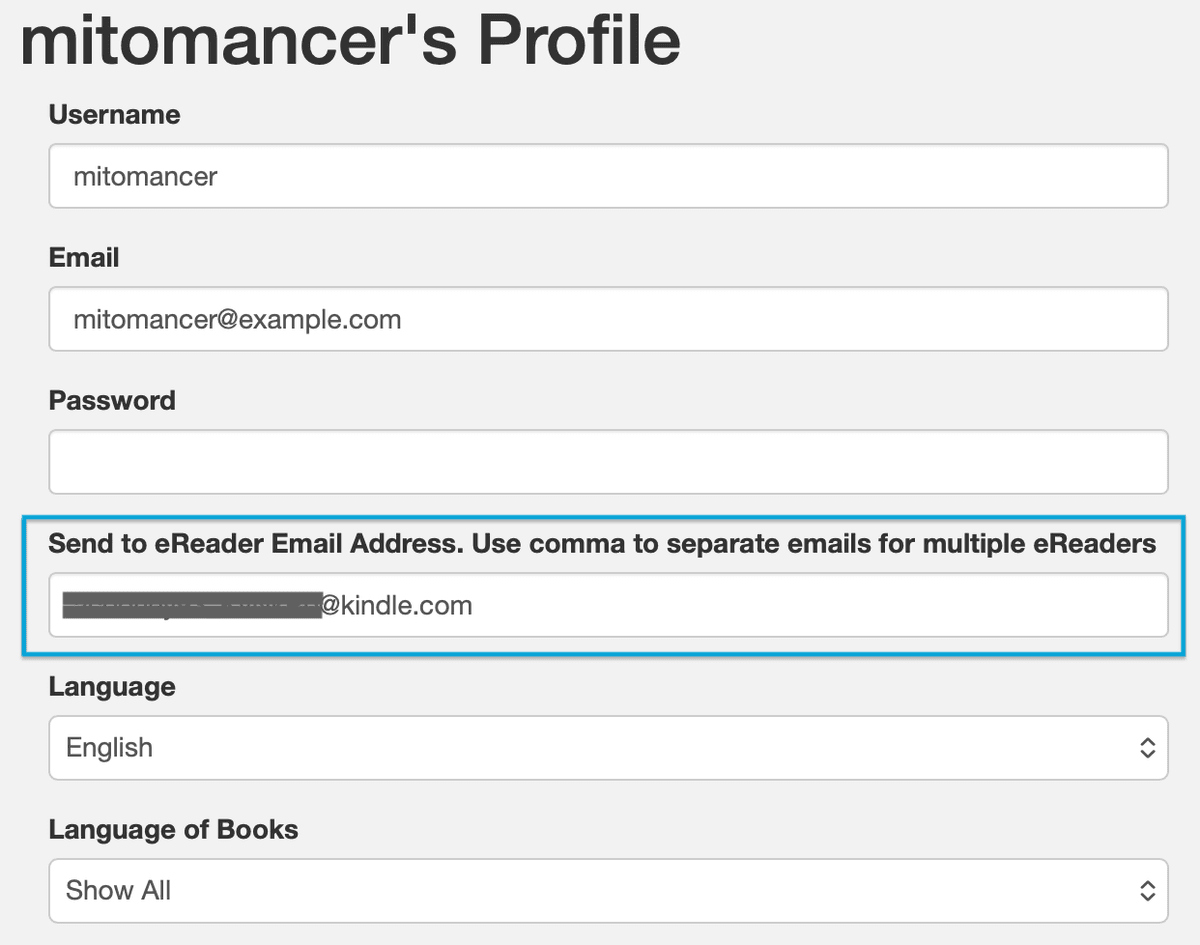
In your Calibre Profile Settings add your Send-to-Kindle email address to the Send to eReader Email Address field. (Don't forget to save at the bottom of the settings)
Get your books
On Calibre, find the book you want to send to your Kindle, open the details, and click the Send __ to eReader button.
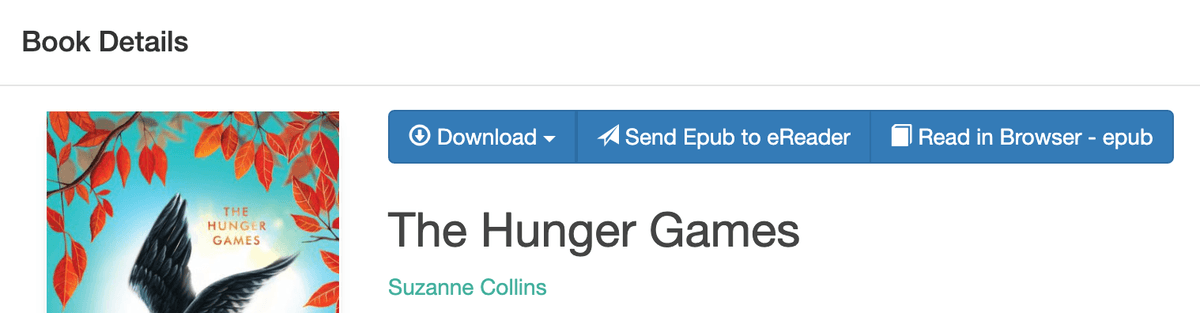
- You can check the progress of your sent books on the Tasks page.
KOReader – Kindle Jailbreak
These instructions are easy to follow but you can ask for help if you don't want to do it yourself.
Start Here!Identify your Kindle model and the jailbreak method best suited for it
OPDS Catalog
Browse and download ebooks directly in KOReader.
Use the same username/password from Calibre.
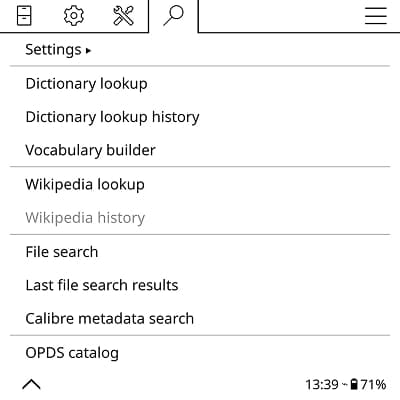

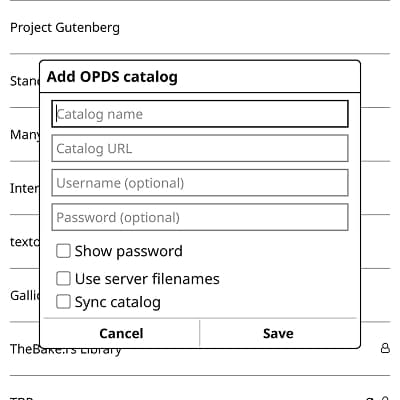
- Catalog Name: your choice
- Catalog URL: https://calibre.home.thebake.rs/opds
- Username: your Calibre username
- Password: your Calibre password
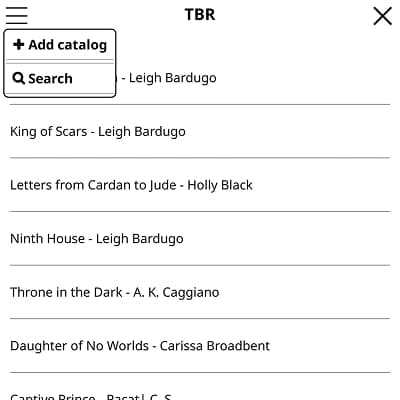
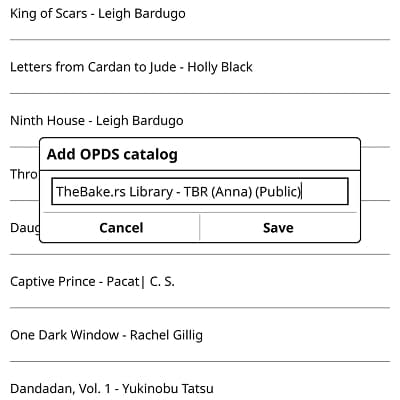
✨ Pro Tip: Browsing in OPDS on KOReader can be super slow. Do your browsing on the Calibre Web App and set up a To Be Read or Download shelf to make browsing easier.
You can save your shelf as a separate catalog to make it super easy to navigate back to your shelf and download your books.
Jellyfin
Movies
Series
Jellyfin is a media server that we use for movies & TV series. Jellyfin is available on a tons of devices. A couple options are listed below but others are available.
https://jellyfin.home.thebake.rsUse the server address, your username, and password in the web app, mobile app, or TV app.
Browser
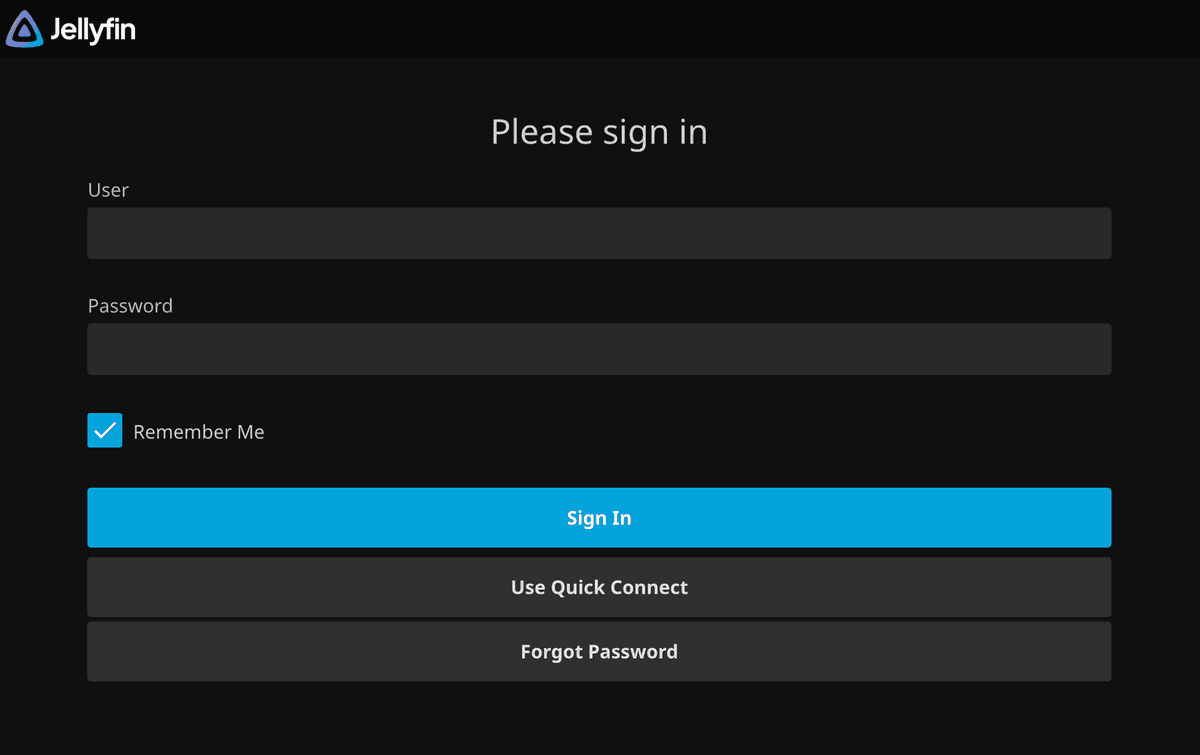
Jellyfin web login screen
TV App
These instructions are for the AndroidTV & FireTV apps but Roku probably looks and acts similar

TV App Icon
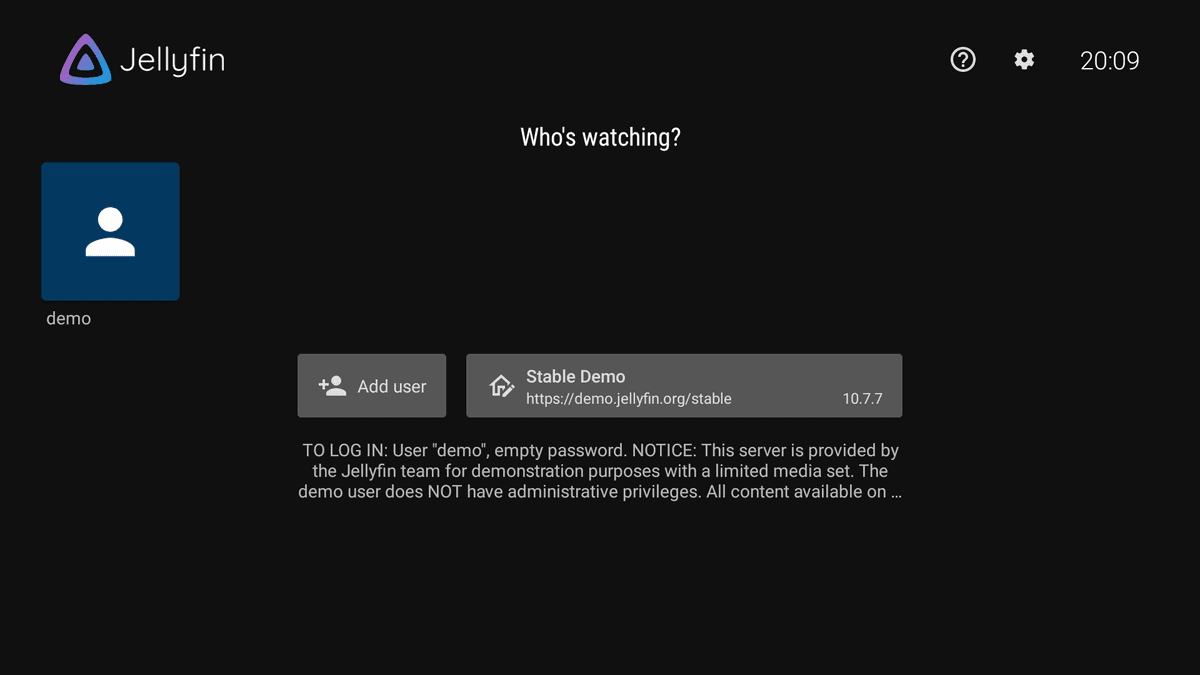
TV App login screen
When you first install, click on the Enter server address button and enter the server address (https://jellyfin.home.thebake.rs)
Click on the Add Account button and sign in using Quick Connect through your phone app or click the Use Password button and enter your username and password
Next time you open the app, you should see the login screen like above. Select your user ("demo" in the screenshot)
Jellyseerr
Movies
Series
Login using your Jellyfin username/password
Info
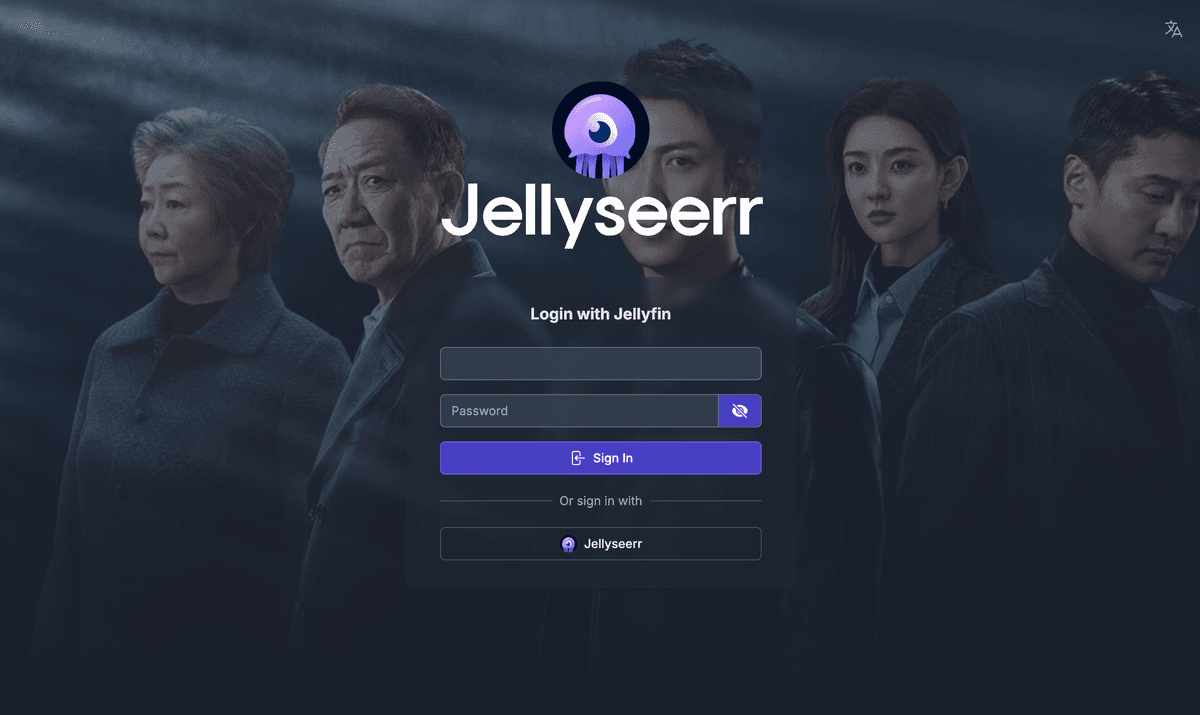
Jellyseerr login screen
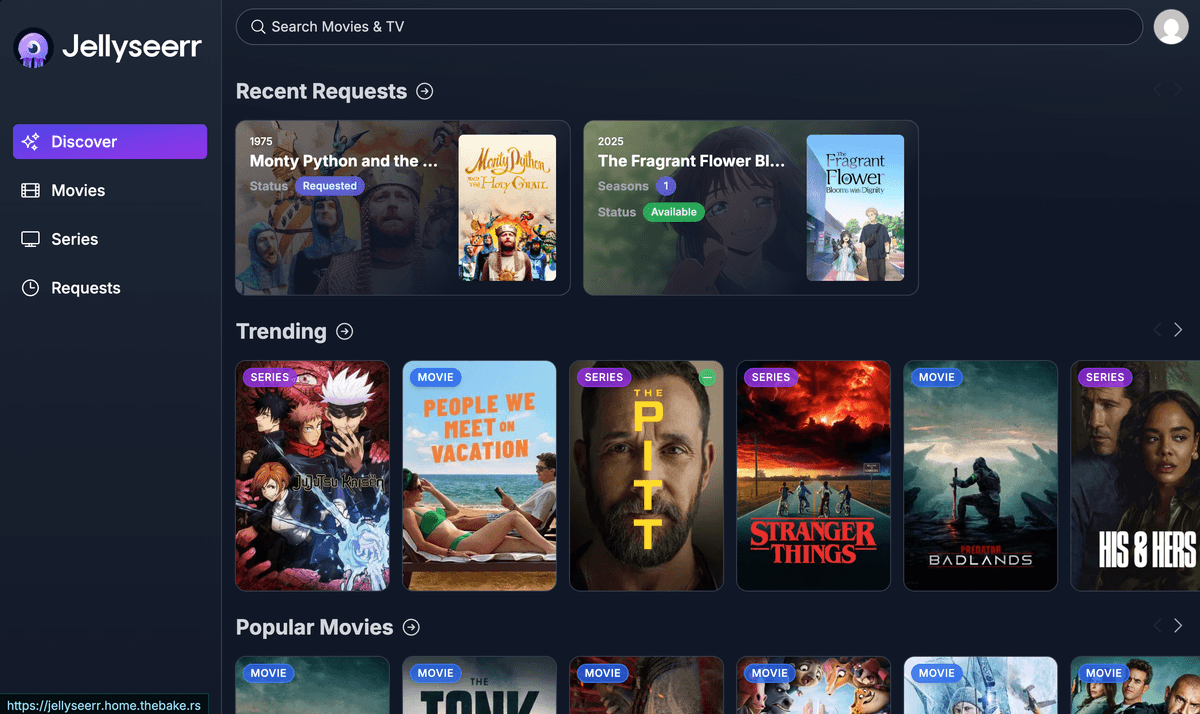
Jellyseerr app
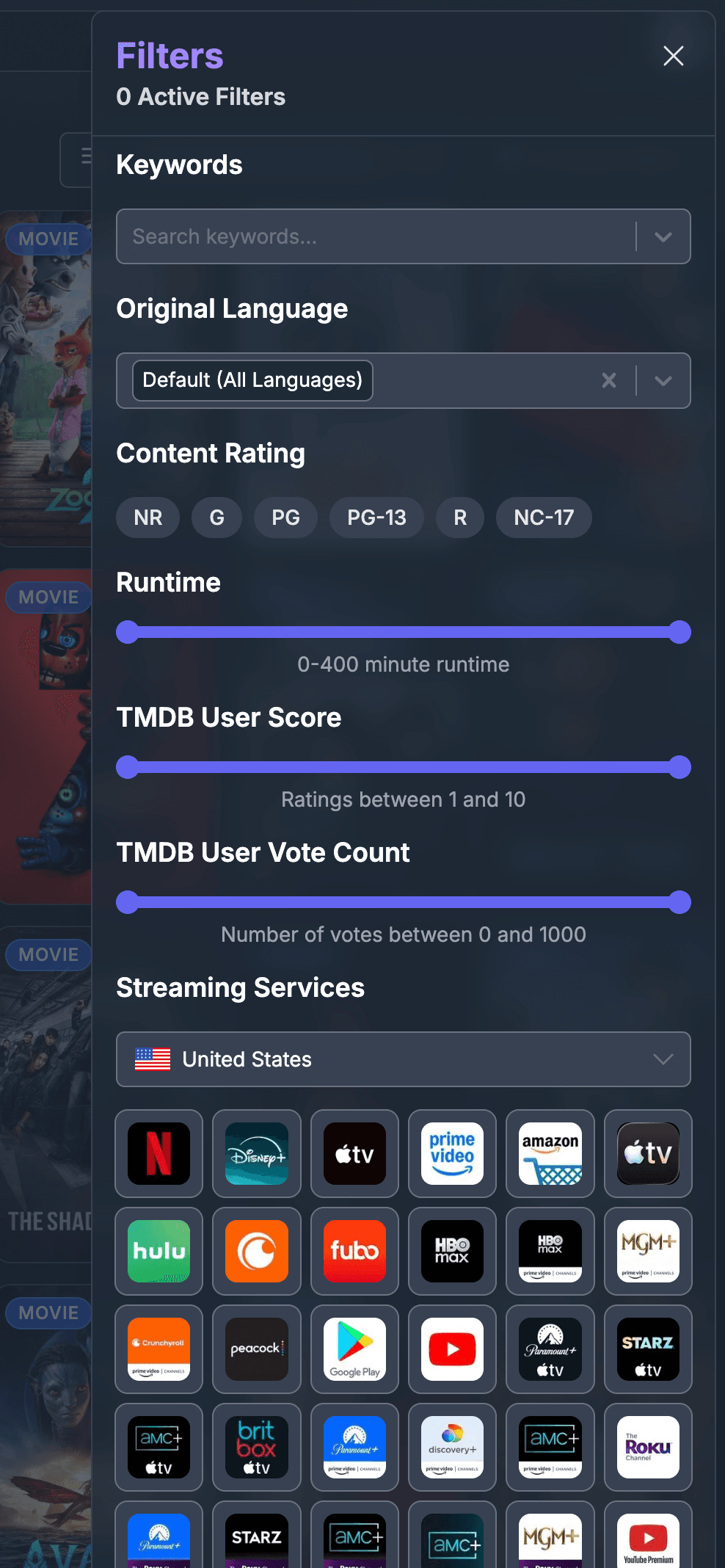
Jellyseerr filters
Jellyseerr has a bunch of filters including by Rating and Streaming Services. They can be very useful to sorting through all the content available.